Omega replacement [S-TRIBE]
PREPARE:
- 2 mm Allen wrench
- 3 mm Allen wrench
- 2 x Omega.
- Flat key 13
OMEGA INSTALLATION:
Lay the S-Tribe pixel side down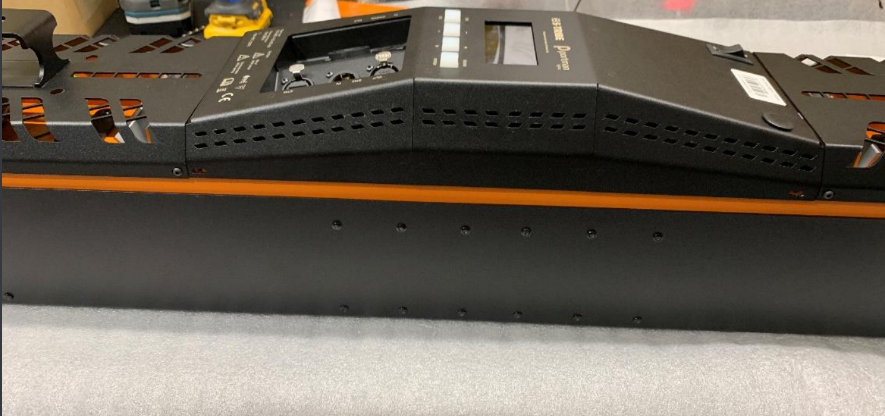
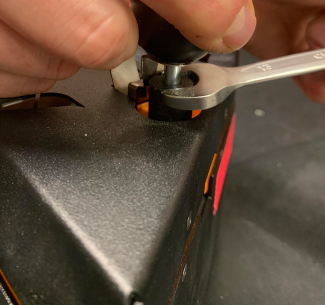
Lift the locking ball, gently insert a flat 13 wrench and unscrew so as not to damage the locking plate.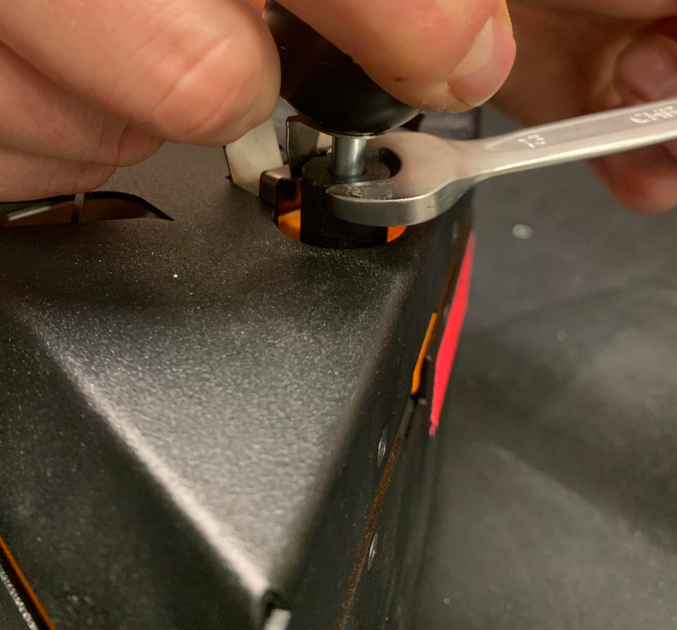
Put down the unscrewed ball with the locking mechanism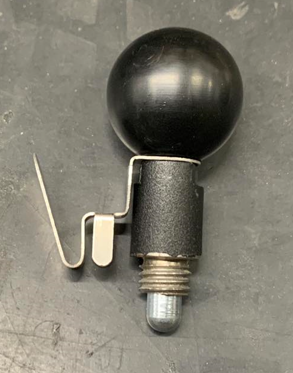
Use a 2mm allen wrench to unscrew the four screws holding the housing
Use a 2mm allen wrench to unscrew the two side screws holding the housing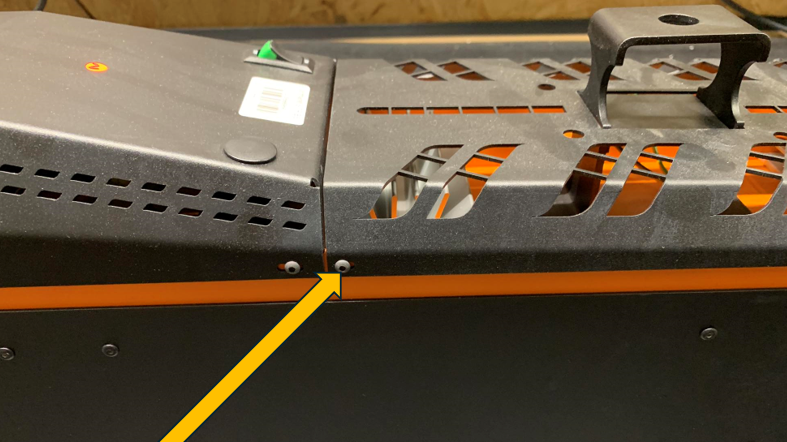
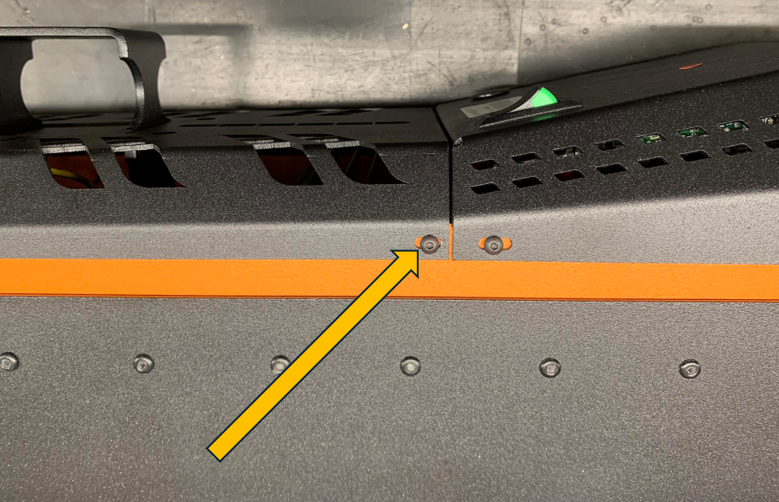
Unscrew the four screws holding the omega to the electronics base with a 3 mm allen wrench. Replace the old omega with the new one.
Remove and set aside the cover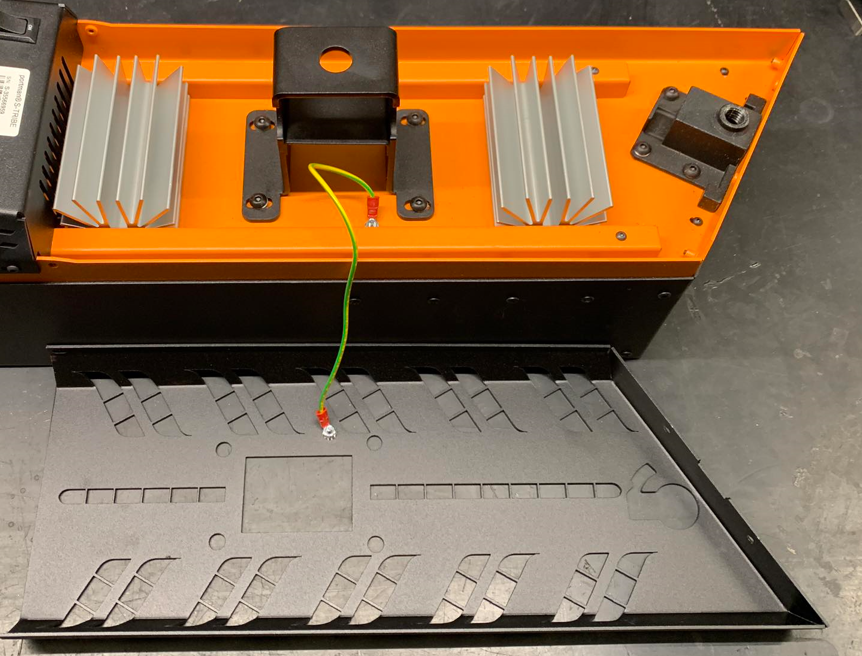
Tighten the omega first with the two screws on the side of the case using a 2mm allen wrench.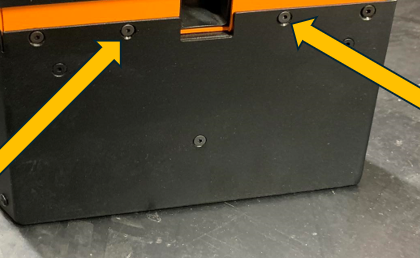
In the second place, tighten the omega with M5 screws using a 3mm allen wrench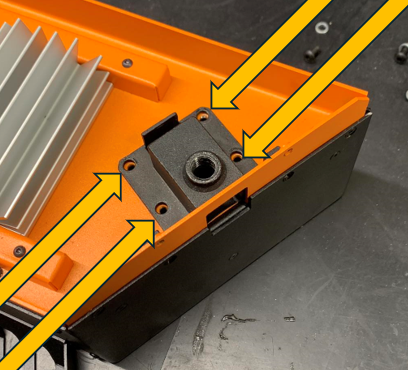
Replace the cover and tighten with two screws on the side from the bottom/top of the lamp.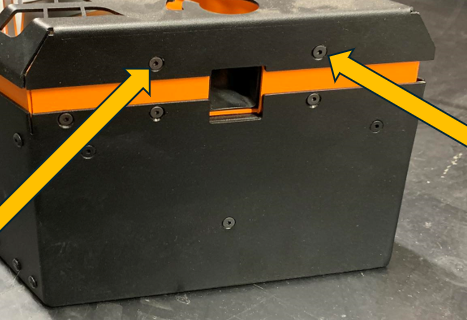
Apply the locking ball and, using a 13-gauge wrench, carefully screw it into the omega